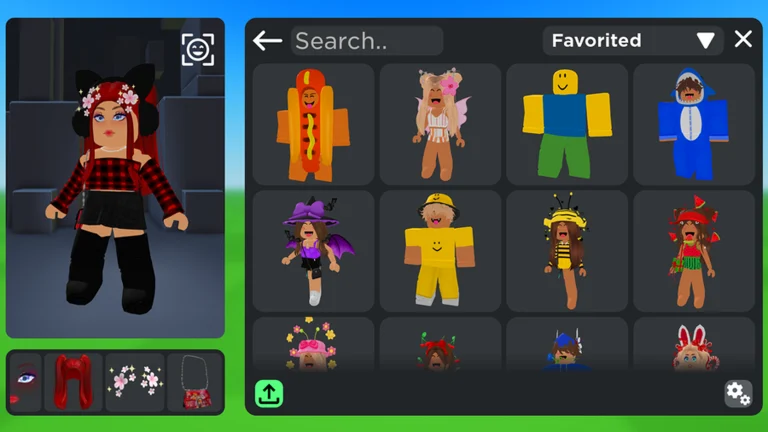
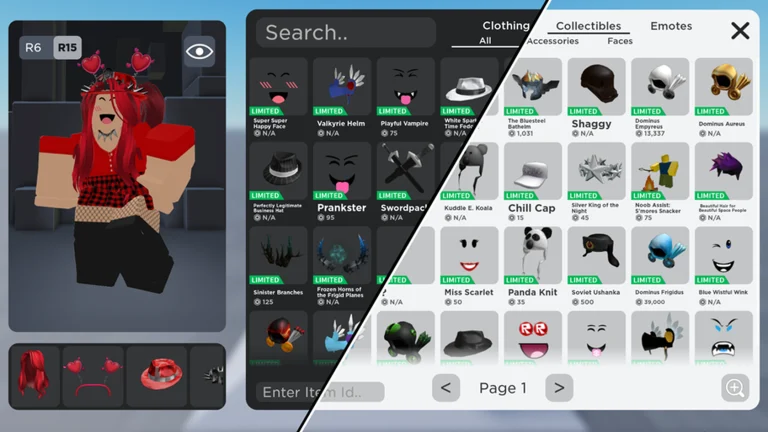
Catalog Avatar Creator Commands — Full Chat Command List (2026)
Every known Catalog Avatar Creator chat command in one table: /speed, /r6, /r15, /vip, /clone, /plsdonate and more — with what each does, how to check the list in-game with /cmds, and source notes.
The full Catalog Avatar Creator commands list is short, free to use, and mostly about presentation and
movement: the game has 22 chat commands, covering avatar controls like /r6 and
/r15, private-server hops like /vip, display toggles like /fps, and the cross-game /plsdonate
teleport. Open the chat box (top-left), type a command, press Enter — no permissions or purchases needed
for any of them. The complete table is right below, and typing /cmds in-game should list what your
current server supports.
Quick answer
Quick answer: type commands in chat, e.g.
/speed 30to change walk speed,/r6or/r15to switch rig type,/vipto hop to an empty private server,/plsdonateto teleport to PLS DONATE, and/cmdsto see the list in-game. All commands are free; none require admin. Full table of all 22 below.
All commands at a glance
Click the copy icon next to any command, then paste it straight into the in-game chat — it lands ready
to send (for /speed, just type your number after pasting).
| Command | What it does |
|---|---|
/speed [number] | Adjust your walk speed |
/r6 | Convert your avatar to R6 |
/r15 | Convert your avatar to R15 |
/booth | Create a booth with editable text |
/clone | Spawn a static clone of your avatar |
/npc | Spawn an auto-walking NPC clone |
/self | Show your own profile |
/ref | Show an avatar reference |
/headless | Toggle the Headless limited effect |
/sshf | Toggle Super Super Happy Face |
/korblox | Toggle the Korblox right leg |
/korblox2 | Toggle the Korblox left leg |
/vip or /private | Teleport to an empty private server |
/public | Return to a public server |
/main | Return to the main game |
/test | Teleport to a test server (unstable — not recommended) |
/voice | Teleport to a voice-chat server |
/fps | Toggle the FPS display |
/version | Toggle the place-version display |
/clear | Clear the Roblox chat |
/portrait | Mobile portrait mode (not recommended) |
/plsdonate | Teleport to the PLS DONATE game |
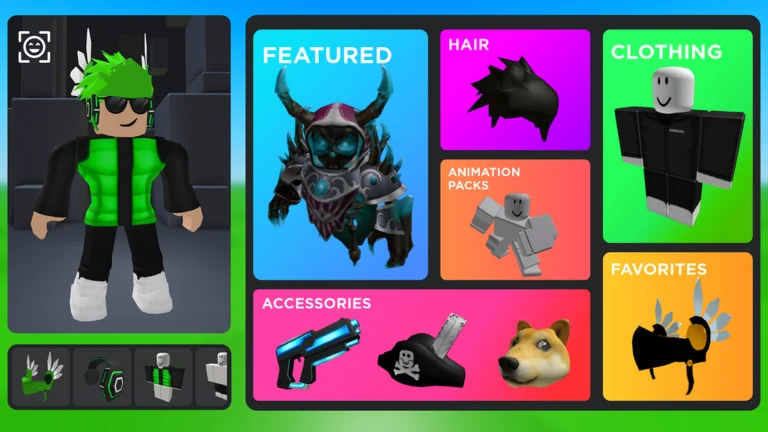
Official in-game image © Muneeb via the Roblox game page.
Command groups explained
Avatar & presentation. /r6 and /r15 switch your rig between the classic six-part skeleton and the
modern fifteen-part one — this changes how clothing and animation packs sit on your avatar. /headless,
/sshf, /korblox and /korblox2 preview four famous (and expensive) limited items without owning
them, which is exactly the try-before-you-buy loop the game is built around — see the
Korblox Deathspeaker and Super Super Happy Face
pages for the full preview of what these unlock. /clone and /npc spawn a
static or wandering copy of your avatar for screenshots and booth displays.
Servers & movement. /vip (or /private) drops you into an empty server so you can build outfits in
peace; /public and /main bring you back. /voice moves you to a voice-chat-enabled server, and
/test hops to an unstable staging server — fun to peek at, but not where you want to save outfits.
/speed tweaks walk speed; the dedicated speed command guide covers what is known
about its limits.
Utility & display. /self and /ref show profile and reference info, /fps and /version toggle
debug-style overlays, /clear wipes the chat, and /portrait flips mobile layout (most sources advise
against it). Two commands deserve their own pages: the
PLS DONATE teleport, which is a real cross-game bridge with a reward attached,
and the private server command, which explains how /vip relates to Roblox's
actual VIP servers.
Numbers as emotes
Separately from slash commands, typing plain digits in chat triggers built-in emotes — players have
found that 1 plays a Pokédance-style emote and 2 plays "Throw It Back" (to be verified: the full
numeric list has never been documented, so try a few and see what your avatar does).
What does NOT exist (common myths)
Searches suggest commands that have no documented counterpart in this game:
- No admin command — no public administrator commands exist for regular players (to be verified in-game).
- No
/listcommand — to see the list in-game, type/cmds. - No size-adjustment command — resizing accessories is a UI feature (drag/adjust in the editor), not a chat command.
FAQ
How do I open the chat to type commands?
Click or tap the chat icon in the top-left corner of the screen, type the command, and press Enter. The
same chat box is where redeem codes go (/redeem CODE — see the codes hub).
Do any commands cost Robux?
No. Every documented command is free to use. The game's purchases are all avatar items, and commands like
/headless exist precisely so you can preview expensive limiteds before buying anything.
Why doesn't a command work for me?
Check the basics first: type the command with its slash in the chat box (top-left) and press Enter — and
remember some commands depend on what your server supports. Commands can also change with updates (the
game updated as recently as September 20, 2026). Type /cmds in-game to see the live list on your
server, and check the update log if something above stops working.
All commands
Related pages