Catalog Avatar Creator Items — Every Category & Where to Find IDs
Every item category in Catalog Avatar Creator: accessories, hats, limiteds, hair combos, bundles, animation packs, the eight accessory slots, UGC store items, and how item IDs fit in.
The items in Catalog Avatar Creator mirror the entire Roblox avatar shop: the official description names accessories, hats, limiteds, hair combos, bundles and animation packs as the core categories you can try on free, and the in-game UGC store adds community-made items on top of that.
Stated by developer · 2026-09-21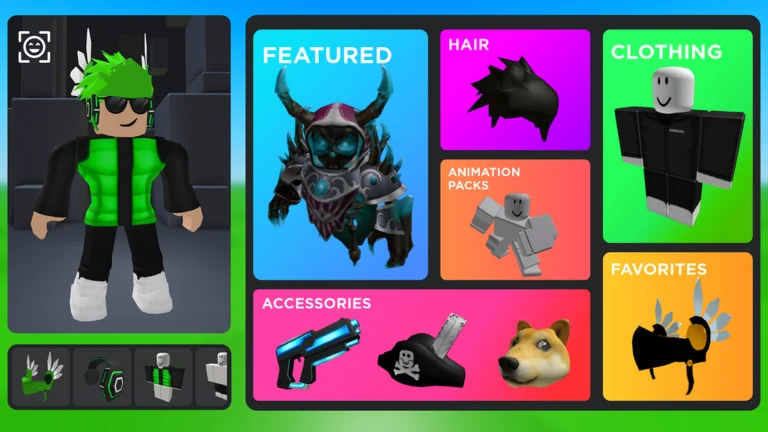
Official in-game image © Muneeb via the Roblox game page.
Quick answer
Quick answer: Catalog Avatar Creator covers the whole Roblox avatar shop — accessories, hats, limiteds, hair combos, bundles, animation packs and more — all free to try on. Items attach to eight accessory slots plus clothing, faces and body. Every item has an asset ID you can enter directly; see item IDs.
The official categories
| Category | What it covers |
|---|---|
| Accessories | Glasses, wings, effects and the rest of the "everything else" layer |
| Hats | The classic head slot — including the famous limiteds |
| Limiteds | Roblox's limited-edition items — try the expensive ones free, no Robux needed to see them on your avatar |
| Hair combos | Pre-combined hair pieces (the "combo" format the community styles rely on) |
| Bundles | Full body/head bundles that swap several body parts at once |
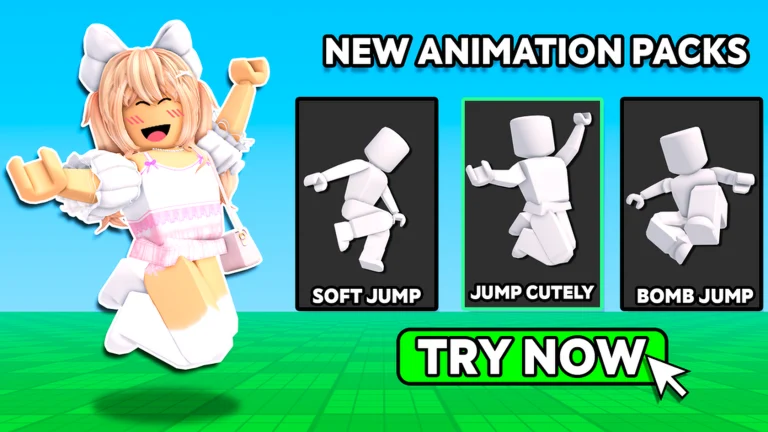
| Animation packs | Walks, jumps and emotes — see the animation packs page |
Browse by category (with IDs)
Every category has its own ID list — click the copy icon on any row and paste the number in-game:
- Hair IDs · Hat IDs · Face IDs
- Accessory IDs (neck, shoulders, waist, front, back) · Clothing IDs
- Free items — the zero-Robux list
- Emo outfits — the EMO theme tile and the build-your-own kit
- Matching outfits — couple and duo looks
- Items under 100 Robux — the budget bracket, 30 most favorited
- Prefer filtering to scrolling? The Item Finder runs the same dataset interactively.
Famous limiteds, previewable free
The legendary expensive items all have pages here — each with its verified ID, price and the free way to wear it in-game:
- Korblox Deathspeaker — the 17,000-Robux leg, preview via
/korblox - Super Super Happy Face — the famous grin, preview via
/sshf - Dominus Empyreus — the 13,337-Robux crown
- Sparkle Time Fedora — the limited collector's fedora
- Dominus family — all ten crowns, prices and IDs
- Rainbow Fun Fedora — the most favorited item in Roblox history (17.5M)
- Korblox Mage Staff — the accessible half of the Korblox look
The eight accessory slots
The community wiki organizes accessories the way the Roblox editor does — eight slots: hats, hair, face, neck, shoulders, waist, front, back — with clothing, faces and body items as their own categories. Knowing the slots matters when an outfit "doesn't fit": two items competing for the same slot will knock each other off.
Community report · 2026-09-21Free to try, paid to keep
Every category works the same way: trying on is free, unlimited and instant. The only thing that costs Robux is buying, and per the official description anything you buy lands in your Roblox inventory for use across all games. Hunting free rewards instead? Promo codes live on the codes hub.
Stated by developer · 2026-09-21UGC store items
Beyond the catalog, the game runs an in-game UGC store where players publish their own items free — others buy them, creators earn Robux, and publishing earns the official UGC Creator group role. This is why the item pool keeps growing past what the Roblox catalog alone offers, and why some IDs point to creator-made pieces instead of classic catalog items.
Roblox API · 2026-09-21Getting specific: item IDs
Browsing categories is one way to find items; asset IDs are the direct route. Every item's Roblox asset ID can be entered in-game to wear or buy it — social media outfit posts share looks as ID lists for exactly this reason. The full how-to is on the item IDs page.
FAQ
How many items are in Catalog Avatar Creator?
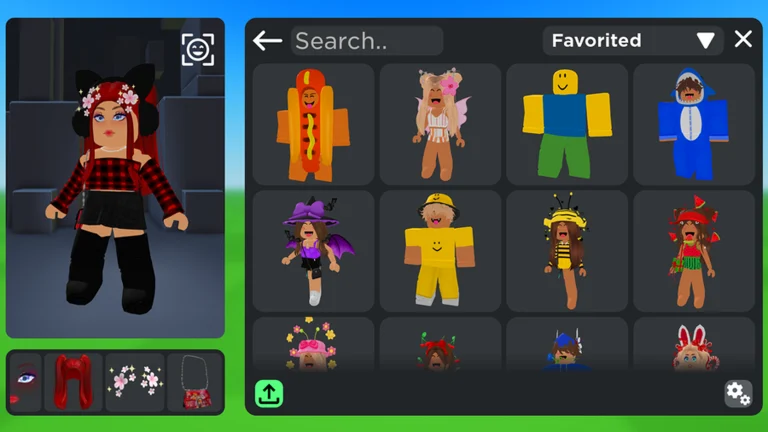
The game has never published a total count. In practice the pool covers the whole Roblox avatar shop catalog plus everything creators publish to the in-game UGC store — and the community outfit collection built on top of it has passed 50 million saved looks.
What are limiteds?
Limiteds are Roblox's limited-edition collectible items, often costing large Robux sums. Catalog Avatar
Creator is popular precisely because you can preview them — /headless, /korblox and /sshf from the
commands list even toggle the famous ones directly.
Why won't a category load for me?
Category panels stream from the game's backend; full-loader failures are usually server-side. Work through the items not loading guide — and check whether the game just updated (see the update log).
All items
Related pages