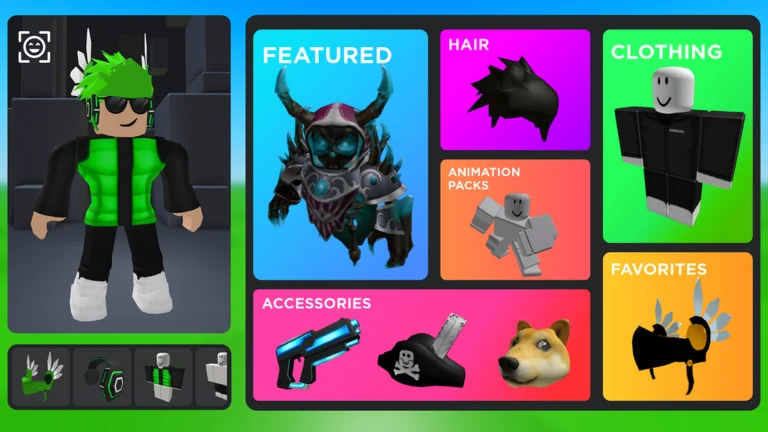
Catalog Avatar Creator Guides — Fixes, Basics & Tips
Catalog Avatar Creator guides hub: fix clothes and items not showing or loading, learn how to play the outfit loop, and pick up the commands and item-ID tricks that make the editor faster.
Something on your avatar broke, or you are working out how this game works? Both are covered here. These guides handle the two things Catalog Avatar Creator players need most: fixing a broken look (clothes or items that will not show or load) and learning the outfit loop itself — trying on, saving, and sharing from the 50M+ community collection. When a fix is not fully confirmed, the guide says so right there, because a half-solved problem is worse than none.
Stated by developer · 2026-09-21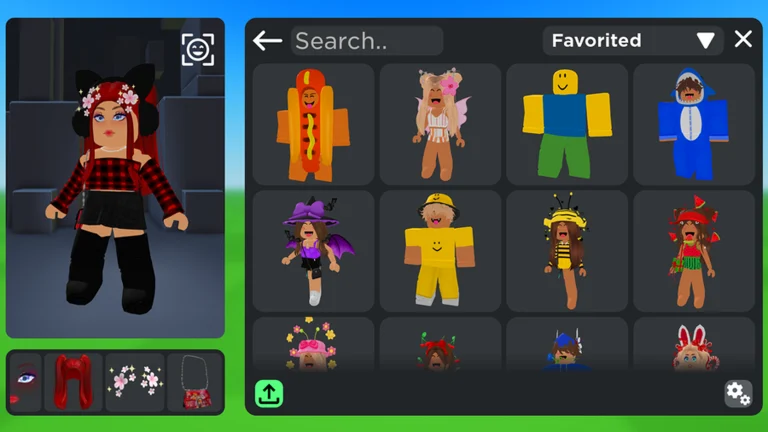
Official in-game image © Muneeb via the Roblox game page.
Quick answer
Quick answer: clothes not showing usually means the item stayed in Catalog Avatar Creator instead of applying to your real Roblox avatar — wear it in the official avatar editor too. Items not loading is usually a sync or server-side hiccup — rejoin and refresh. Start with the matching guide below.
Fix guides
- Clothes & items not showing — the number one issue: you bought or equipped something in-game and it is not on your avatar elsewhere. The cause is almost always simple: the game edits its own mannequin, not your real Roblox avatar — plus a six-step checklist for the rest.
- Items not loading — the outfit loader spins, items render invisible, or your inventory looks empty after a purchase. Sync delays, server-side issues and the historical purchase bug, each with what to do.
- Saved outfits not saving — the unnamed-save quirk, sync delays and the save-vs-publish distinction.
- Can you gift items? — no gifting feature exists; the three workarounds that do.
- Create your own item — the in-game UGC store publishing flow.
- How to run fast — the speed command and every other way to move quicker.
Learn the game
- How to play — the full loop: try on catalog items free, save outfits, share and publish them, open a UGC store, and how the group roles (Regular Customer, Outfit Designer, UGC Creator) map to what you do.
- Full commands list — all 22 chat commands with a quick table:
/r6,/vip,/speed,/plsdonateand more. - Codes hub — how
/redeemworks, the honest active-code status, and the three different things players call "codes".
Items & IDs
- Items hub — every category the game covers: accessories, hats, limiteds, hair combos, bundles, animation packs, and the eight-slot accessory system.
- Item IDs & item codes — wear or buy any catalog item by entering its asset ID.
- Animation packs — the emote side of the game, including the newer packs shown in official art.
Where to start
Go by your symptom, not by the menu. Something visual broke? The two fix guides above solve most cases. Brand new to the game? Start with how to play, then skim the commands list — update days can change behavior without warning, and the live trackers keep you current.
Live data
- Player count — live concurrent players sampled every 30 minutes from the Roblox API, with milestones.
- Update log — confirmed game updates and where official news lands first.
FAQ
Is Catalog Avatar Creator safe for kids?
Yes — Roblox lists Catalog Avatar Creator with a "Minimal" maturity rating, and the core loop is dress-up and creativity. If you want extra limits, the standard Roblox parental controls work here like anywhere else.
Community report · 2026-09-21Do guides here cover other Roblox avatar games?
No — everything on this site is about Catalog Avatar Creator only. Similar-sounding games and tools are unrelated; the note on the home page explains the difference.
All guide
Related pages