Catalog Avatar Creator Item IDs & Item Codes — How They Work
What item codes and item IDs mean in Catalog Avatar Creator: Roblox catalog asset IDs you can enter to wear or buy items, how they differ from /redeem codes and outfit codes, and where to find them.
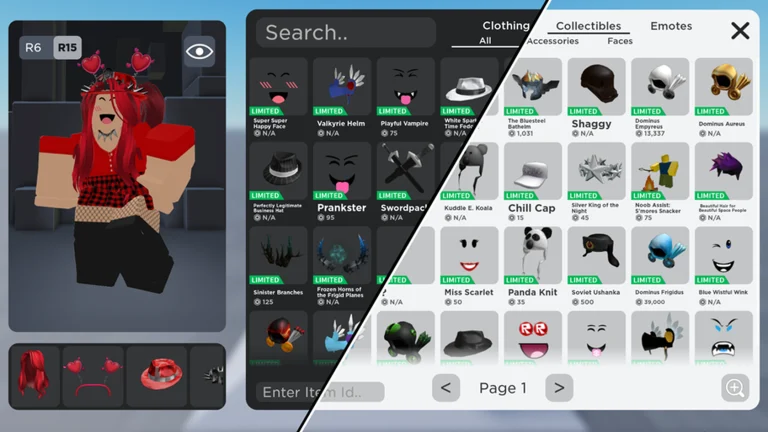
Item codes in Catalog Avatar Creator are Roblox catalog asset IDs — the numbers that identify every
item on the avatar shop — and the game lets you enter an item ID directly to wear or buy that item without
browsing the catalog at all. It is a different system from the /redeem promotional codes and from outfit
share codes — if you came for the promo side, that lives on the codes hub.
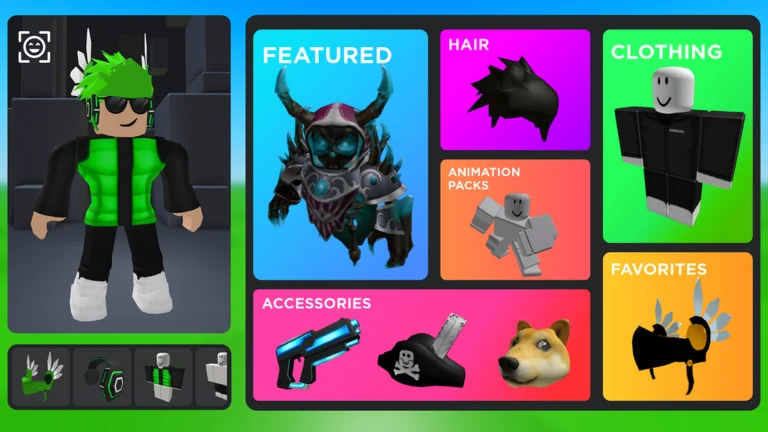
Official in-game image © Muneeb via the Roblox game page.
Quick answer
Quick answer: an item ID is the number in a Roblox catalog item's URL — for example
roblox.com/catalog/1234567890/Item-Name→ ID1234567890. In Catalog Avatar Creator you can input that ID to try on or buy the item directly. Item IDs are permanent asset numbers;/redeemcodes are one-time promotional words. They are not interchangeable.
The three "codes", side by side
Players mix these three up constantly — here is the difference at a glance:
| System | Format | What it does |
|---|---|---|
| Item ID | Numeric asset ID (e.g. 1234567890) | Wears or buys one specific catalog item in-game |
| Redeem code | A word typed as /redeem CODE | Promotional reward from the developer — see the codes hub |
| Outfit code | Share code for a saved outfit | Loads a complete community-created outfit — see how to play |
Item IDs are the same numbers you see everywhere on Roblox — the game does not issue its own item numbering. In short: an item ID is a permanent Roblox number, a redeem code is a limited-time word from the developer, and an outfit code is a share code for another player's outfit.
Community report · 2026-09-21Where to find an item ID
Every Roblox catalog item exposes its asset ID in the URL:
- Open the item on the Roblox catalog (or any item page shared on Pinterest/TikTok outfit posts).
- Read the number between
/catalog/and the item name in the URL — that is the asset ID. - Enter that ID in Catalog Avatar Creator to wear or buy the item directly.
Community outfit posts on TikTok, Instagram and Pinterest frequently list the item IDs for a look in the caption — so if you copied a string of numbers from an outfit post, those are the "item codes" you were after.
Community report · 2026-09-21What categories can item IDs point to?
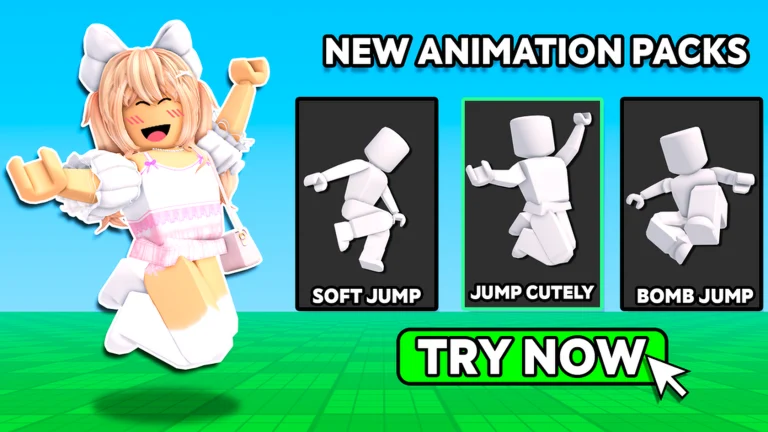
The official game description names the categories the try-on system covers: accessories, hats, limiteds, hair combos, bundles and animation packs, among others. The community wiki organizes these into the eight classic accessory slots — hats, hair, face, neck, shoulders, waist, front and back — plus clothing, faces and body items.
Stated by developer · 2026-09-21The items hub breaks down each category, and the animation packs page covers the emote side. If an item you entered will not load, the items not loading guide covers the common causes.
FAQ
Are item codes the same as game codes?
No. Item codes (asset IDs) always exist — they are just item numbers. Game codes (/redeem ...) are
limited-time promotional rewards, and there is no confirmed-active one right now.
Can I wear an item ID without buying it?
Yes — trying on is the core of the game: you can preview items, including expensive limiteds, before deciding whether to buy. Purchases are optional and go to your Roblox inventory for use in all games.
Stated by developer · 2026-09-21How do I copy an asset ID?
On the catalog page: click the address bar and select the number between /catalog/ and the item name — or right-click the number and use your browser's copy. In our tables, the copy icon does it in one click. Then paste the number into Catalog Avatar Creator's item-ID input.
How do I get the link to an item?
The link is the item's catalog page: roblox.com/catalog/ + the asset ID. Copy the ID from our lists, paste it after /catalog/ in your browser, and the page loads. In-game, the item detail view also lets you open or share its catalog page.
Why doesn't my item ID work?
The item may be off-sale, deleted, or moderated — those assets can no longer be equipped. If items that should work fail to render, that is a loading issue: see the not-loading guide for the checklist.
All codes
Related pages